
Is Ting available in my area?
Want to see if we're neighbors?🏠
Pop in your address to see if Ting is available. If we’re in your neighborhood, you’re one step closer to better internet. If we're not quite there yet, we’ll let you know as soon as we move in (and don’t worry, we won’t show up uninvited.)
Check Ting Internet availability
Looking to see if we're in your area? No worries! It's quick and easy to check.
1. Head to Ting.com
- Enter your address.
- Select Check Availability.
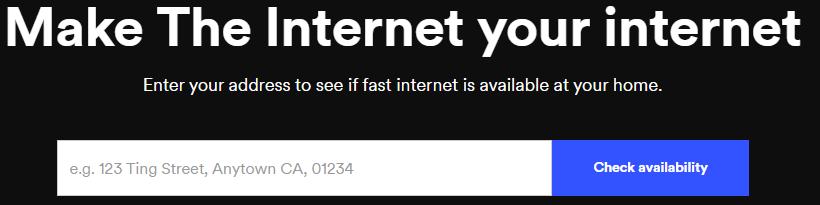
2. Confirm availability
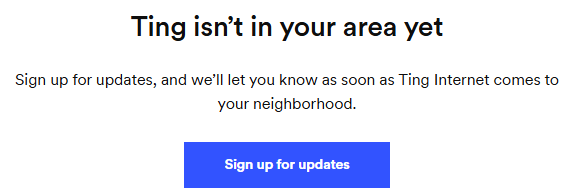
- A pop-up will open letting you know if Ting is available at your address.
- If Ting is available, you can get started on building your Ting Internet order.
- If we're not quite in your area yet, sign up for the Ting Waitlist and we'll let you know when we're there.
Sign up for the Waitlist
Not in your area yet? Join the Ting Waitlist. We’ll keep you in the loop as we expand.
1. Sign up for updates
- Click Sign up for updates.
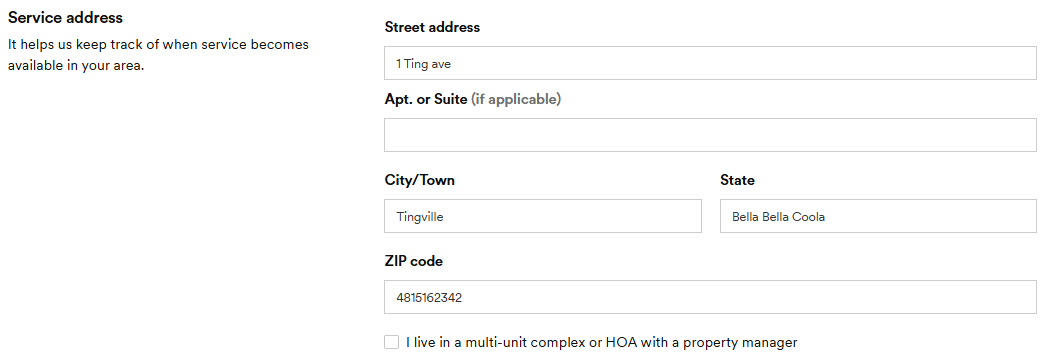
2. Enter your service address
- A new page will load with the Ting Waitlist form.
- Select if your address is a home, business or other.
- Add the address you are waiting for service at.
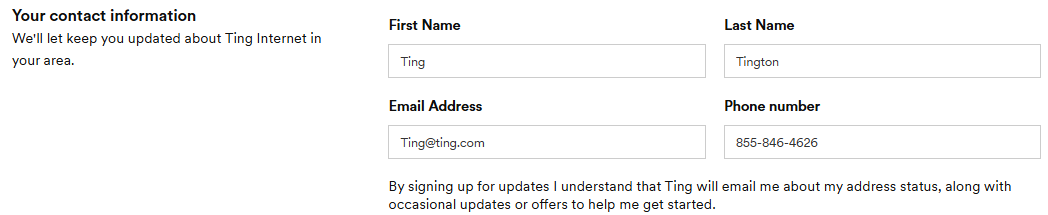
3. Add your contact details
- Add your contact information, including your email.
- We'll use this to let you know when we are in your area.
- Click Sign up for updates.
- That's it! We'll keep you in the loop via email when we come to your area.

.svg)
.svg)