
Viewing your usage history
Need to check your call, text, or data usage? We've got you.
While we don’t track the content of your calls, texts, or web activity, you can see useful details for each type of usage- right from your Ting account.
How to check your usage
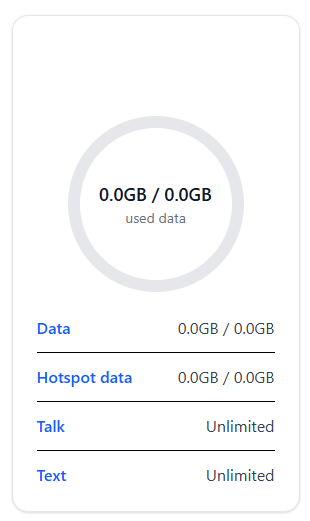
1. Sign in to your Ting account.
2. Go to your plan overview.
4. Click on Data, Hotspot data, Talk, or Text under a number.
This brings up the history for that type of usage on all your numbers. You can sort by number or nickname using the dropdown menu.
What you’ll see
- Calls: Date, number called, duration, cost, and any extra fees.
- Texts: Date, number messaged, cost, and any extra fees.
- Data: Total used per session, date, location, cost, and any extra fees.

.svg)
.svg)